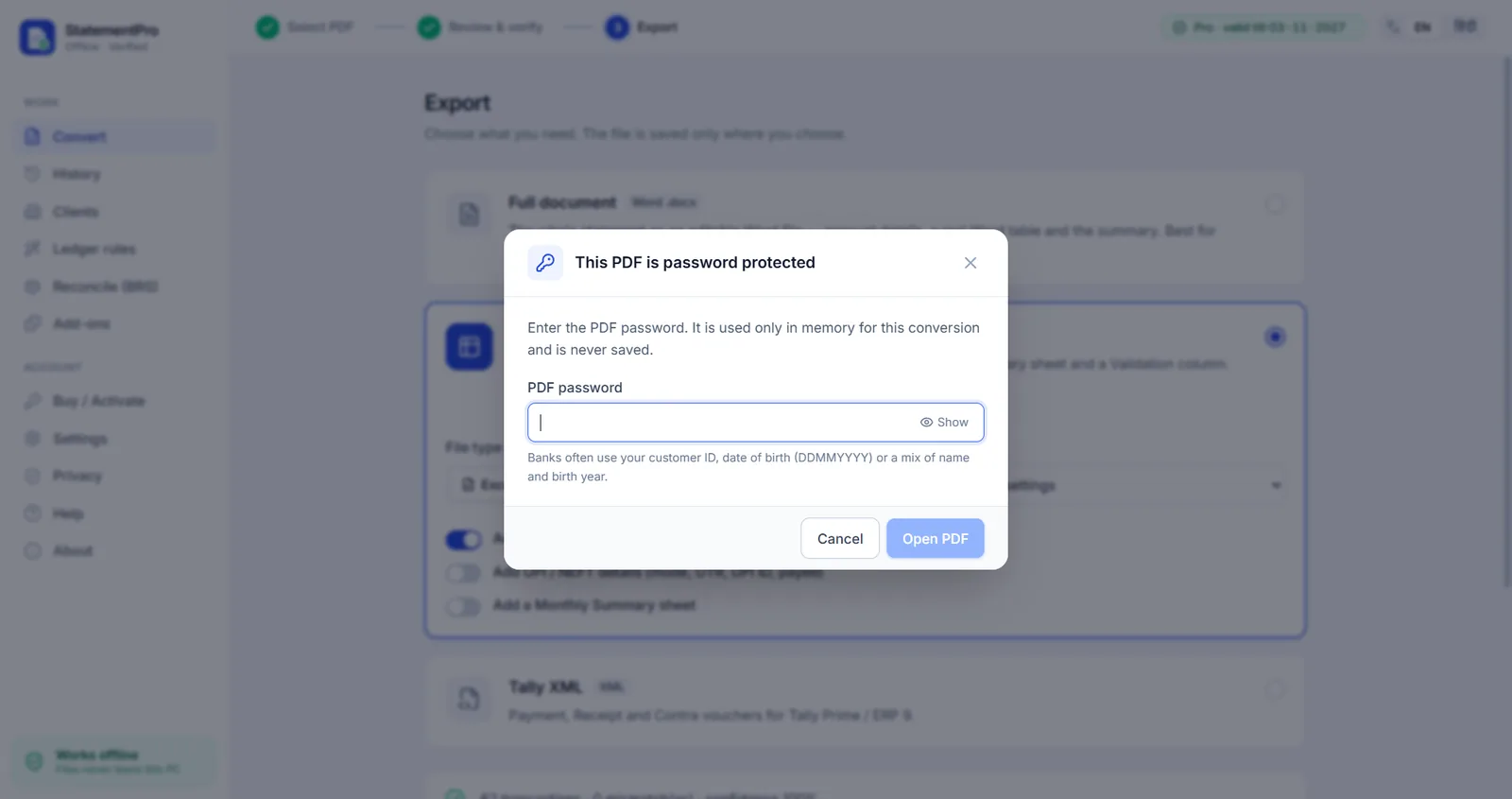
Why the password matters
A bank statement password protects one of the most sensitive documents you have. Online converters ask you to upload the file and often the password too. StatementPro never sends either anywhere: the PDF is opened on your computer, and the password is kept in memory for that one conversion.
Which password do I need?
The password is set by your bank and is usually explained in the email that came with the statement. Banks often use your customer ID, your date of birth (for example DDMMYYYY) or a mix of your name and birth year. StatementPro shows this hint when it asks for the password.
Convert a locked statement
- Drop the PDF into StatementPro.
- Type the PDF password when asked. You can show it while typing to check it.
- Review the verified rows and export to Excel, CSV, Word or Tally XML.
Frequently asked questions
Is the PDF password saved anywhere?
No. It is used in memory for that conversion only and is never written to disk or to the logs.
Does it work with all plans?
Yes. Password-protected PDFs work on every plan, including the free trial.
Can StatementPro open a PDF if I forgot the password?
No. It needs the correct password. Contact your bank or use the hint in the bank's email.
Is my statement uploaded anywhere?
No. StatementPro is a Windows desktop app and the conversion runs entirely on your PC, with the internet on or off. There is no account and no cloud. The engine blocks outbound connections while it works.
Is there a free trial?
Yes, 7 days, up to 2 pages per day, with no account. Paid licences start at ₹3,000 per year for one PC; scanned-PDF OCR is in the Pro plan (₹5,000 per year).