Why SBI statements are hard to copy into Excel
Copy-pasting an SBI statement PDF into Excel rarely works. The dates are often printed on two lines (1 Apr on one line and 2024 below it), long descriptions wrap over several lines, and the page header repeats on every page. Generic PDF-to-Excel tools turn that into broken rows and shifted columns.
StatementPro has a tuned SBI profile. It joins the split dates, keeps multi-line descriptions in one cell, skips repeated headers and footers, and reads the opening balance printed as Balance as on ….
How SBI columns map to Excel
| In the SBI statement | In your Excel file |
|---|---|
Txn Date | Date (a real Excel date) |
Value Date | Value Date |
Description | Narration (multi-line text joined) |
Ref No./Cheque No. | Ref / Cheque No |
Debit / Credit | Debit / Credit (real numbers, not text) |
Balance | Balance, checked row by row |
You also get a Summary sheet with opening balance, total debits, total credits and closing balance.
Convert an SBI statement in four steps
- Download the statement PDF from your bank's net banking (or use the PDF the bank emailed you).
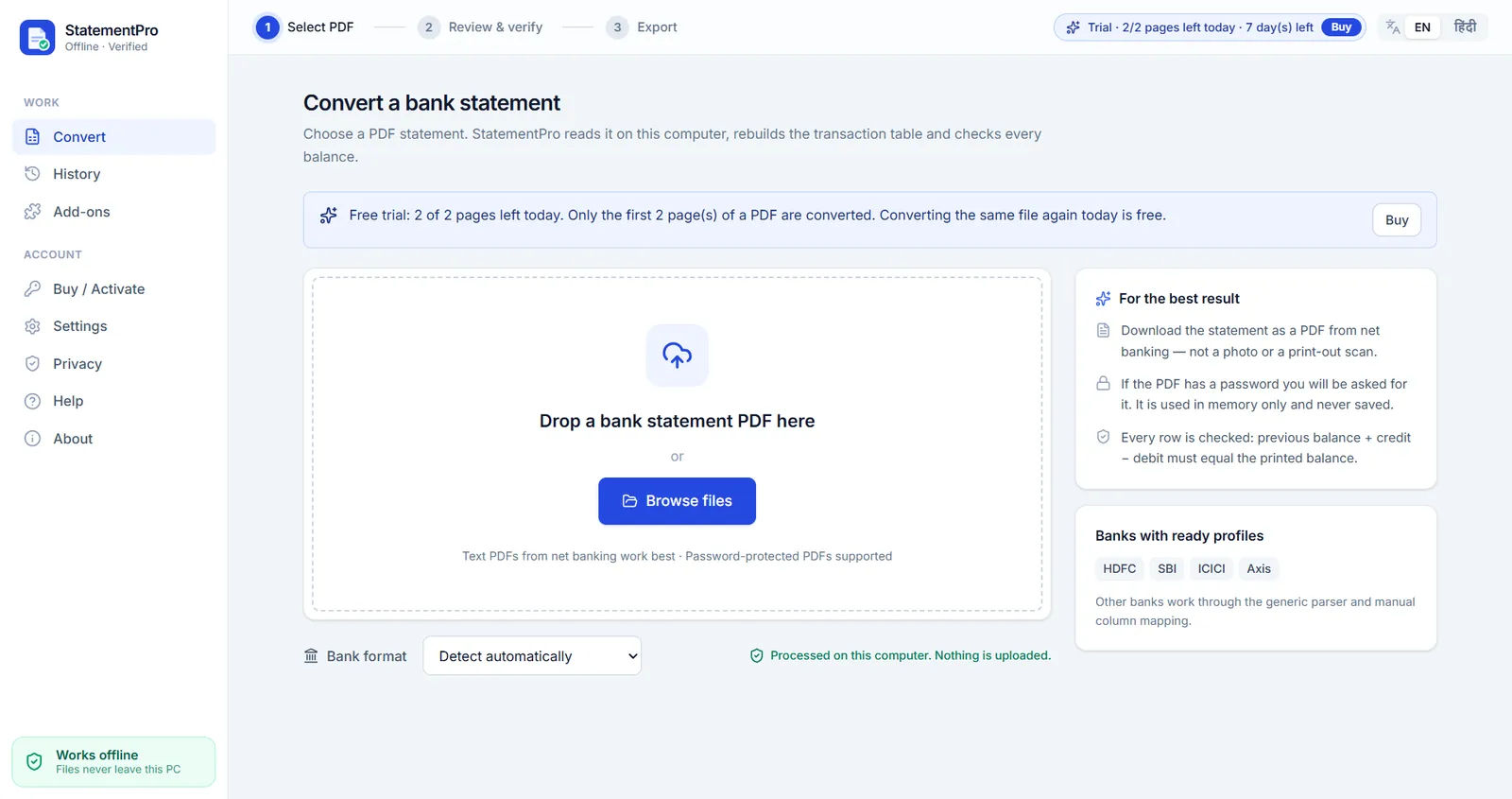
- Open StatementPro and drop the PDF. The bank is detected automatically. If the PDF has a password, type it in; it is used in memory only and never saved.
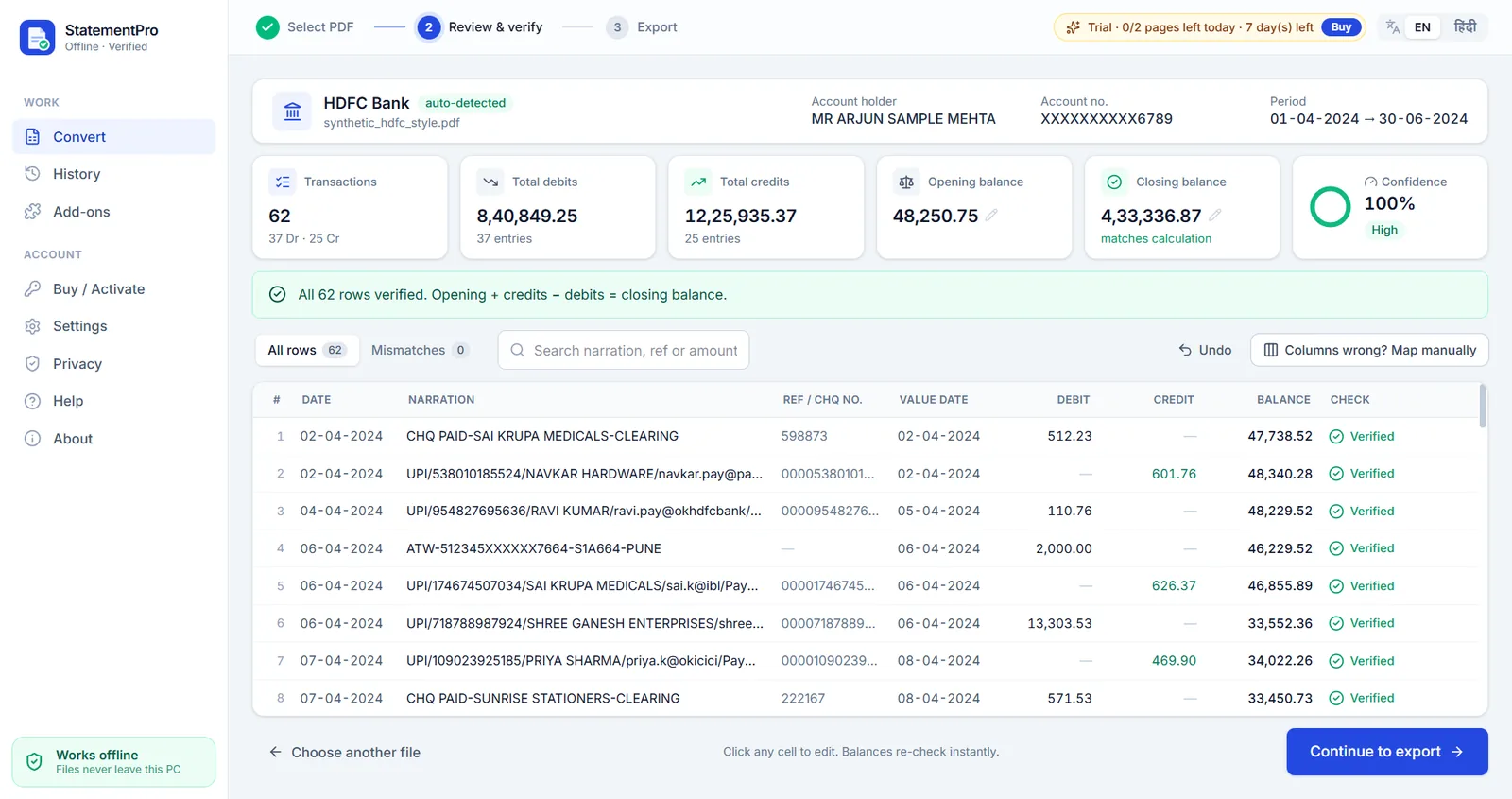
- Review the rows. Every row is checked: previous balance + credit − debit must equal the printed balance. Anything that does not add up is shown in red, so you can fix it with one click.
- Export to Excel (.xlsx), CSV, Word (.docx) or, with the Tally add-on, Tally XML.
If something does not match
Every row is verified to the paisa. If a row does not add up (for example a figure was printed unclearly), it turns red. Click the cell, correct it, and the balances re-check instantly. You always see a confidence score before you export.
Frequently asked questions
Can I convert an SBI statement to Excel offline?
Yes. StatementPro runs on your Windows PC and works with the internet switched off. The SBI PDF never leaves your computer.
Does it work with password-protected SBI statements?
Yes. Enter the password the bank gave you; StatementPro uses it in memory for that conversion only and never saves it.
Can I import my SBI statement into Tally?
Yes, with the Tally XML add-on (included in the CA Pack). It creates Payment, Receipt and Contra vouchers for Tally Prime or ERP 9.
What if my SBI statement looks different?
Statement layouts can vary. If the columns are not recognised, map them once (about 20 seconds) and save the format for next time. Try your own statements in the free trial first.
Is my statement uploaded anywhere?
No. StatementPro is a Windows desktop app and the conversion runs entirely on your PC, with the internet on or off. There is no account and no cloud. The engine blocks outbound connections while it works.
Is there a free trial?
Yes, 7 days, up to 2 pages per day, with no account. Paid licences start at ₹3,000 per year for one PC; scanned-PDF OCR is in the Pro plan (₹5,000 per year).