OCR that never leaves your computer
Most OCR services upload your file to a server. StatementPro's OCR is built into the installer and runs locally, with the internet on or off. It straightens slightly tilted scans, recognises ruled tables, and repairs common OCR slips in numbers.
What works best
- Flat scans at 200–300 DPI, black text on a white or light background.
- Normal office scanners and scan apps that produce a PDF.
- Coloured statements and slightly tilted pages are fine.
Very blurred phone photos or fax copies may not read well, for any OCR. Use the free trial on your own scans first: it includes OCR for 2 pages a day.
Convert a scanned statement
- Drop the scanned PDF into StatementPro. It notices that the pages are images and runs OCR on your PC.
- Watch the page-by-page progress. You can cancel at any time.
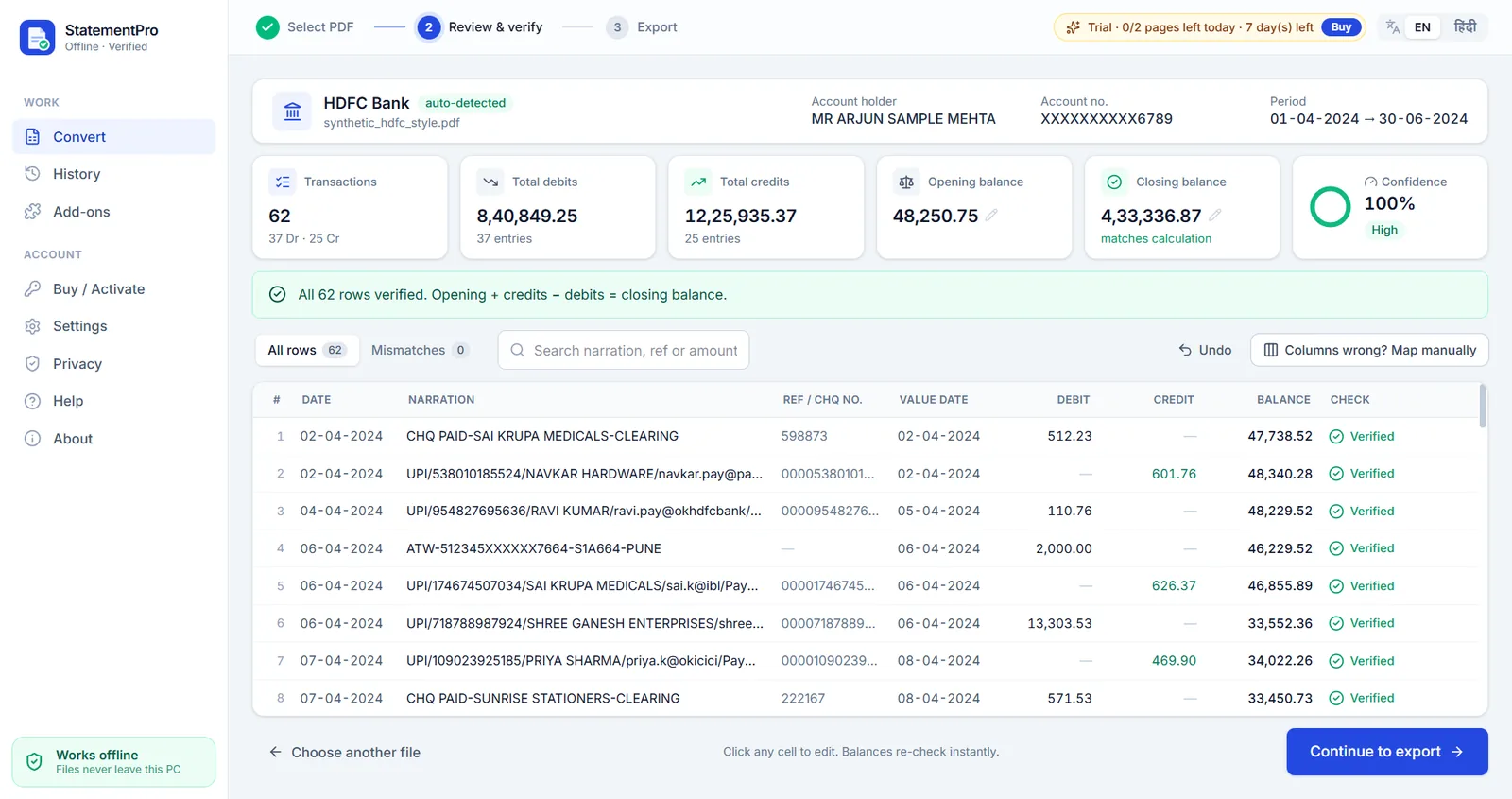
- Review the rows. Check the red rows and the confidence score.
- Export to Excel, CSV, Word or Tally XML.
Frequently asked questions
Which plan includes OCR?
The Pro plan (₹5,000 per year) and the CA Pack. The free trial includes OCR within its 2 pages per day.
Do I need to download an OCR pack separately?
No. OCR is included in the installer and works right after installation, even on a PC that is never online.
How much RAM do I need for OCR?
8 GB RAM is recommended for OCR; 4 GB is enough for text PDFs.
Is a scanned statement uploaded for OCR?
No. The OCR engine runs on your computer. The statement image is never sent anywhere.
Is my statement uploaded anywhere?
No. StatementPro is a Windows desktop app and the conversion runs entirely on your PC, with the internet on or off. There is no account and no cloud. The engine blocks outbound connections while it works.
Is there a free trial?
Yes, 7 days, up to 2 pages per day, with no account. Paid licences start at ₹3,000 per year for one PC; scanned-PDF OCR is in the Pro plan (₹5,000 per year).